8 White Etsy Listing Infographics: Your Ultimate Shop Upgrade
Running an Etsy shop often feels like a juggling act between creating amazing products and then actually getting them noticed. You pour hours into your craft, but when it comes to your shop's visual presentation, you might feel like you're starting from scratch every single time. That's where having a consistent, professional template system becomes a game-changer. Instead of reinventing the wheel for every new listing, you can establish a cohesive brand identity that builds trust and recognition with potential buyers.
What Exactly Are These Infographic Templates?
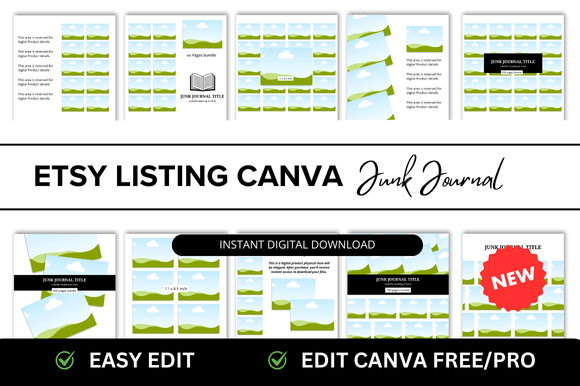
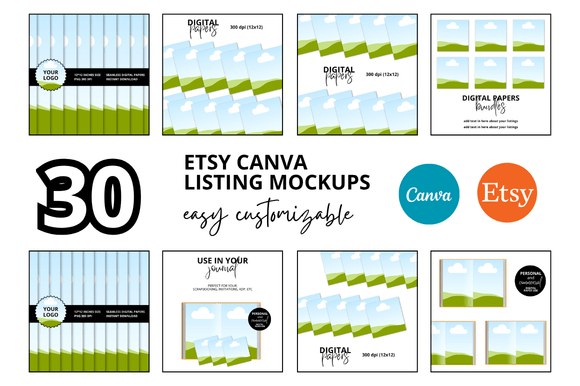
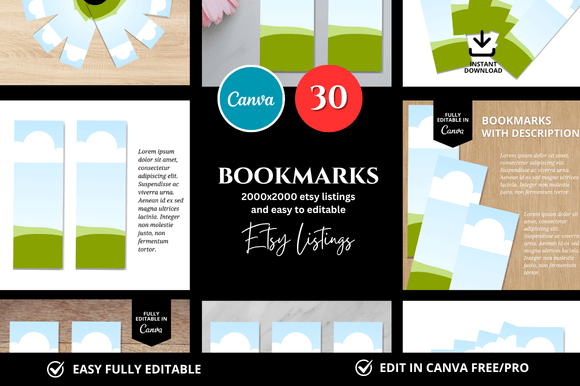
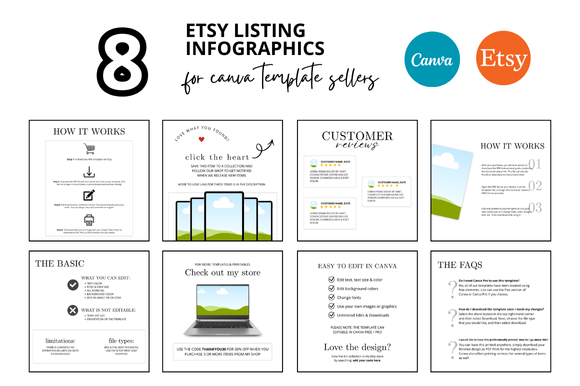
The 8 White Etsy Listing Infographics are a set of customizable Canva templates designed specifically for digital shop owners. They come in a clean, professional square format (2000 x 2000 pixels), which is ideal for Etsy's listing image requirements. The "white" in the name refers to their minimalist, clean aesthetic—think lots of white space, crisp typography, and a structured layout that guides the viewer's eye. This isn't about flashy graphics or overwhelming patterns; it's about clarity and professionalism. The templates are structured to highlight key information about your digital products, such as features, file formats, how to use the product, and what's included. They function as a visual guide for your customer, answering their questions before they even have to ask.
Why a Clean, White Aesthetic Works for Digital Sellers
For digital product sellers on platforms like Etsy, your listing images are your storefront. They are your primary tool for communicating value, quality, and trustworthiness. A consistent, clean aesthetic using templates like these does several critical things. First, it establishes immediate professionalism. When a buyer sees a shop with well-organized, easy-to-read listing images, they perceive the seller as more reliable and the product as higher quality. This directly influences their decision to click "Add to Cart."
Second, it improves the user experience. A well-structured infographic breaks down complex information—like software requirements or installation steps—into digestible chunks. This reduces buyer hesitation and can lead to fewer pre-sale questions and better reviews. The minimalist white background ensures that your product mockups and text are the stars of the show, eliminating visual clutter that can distract or confuse. This approach aligns with modern design principles where simplicity often conveys sophistication.
Practical Applications Beyond the Basic Listing
While these are marketed as Etsy listing infographics, their utility extends further. You can adapt them for other aspects of your shop and marketing strategy. Consider using them to create:
- Shop Covers and Banners: Adapt the design language to create a cohesive shop banner that matches your listings, reinforcing your brand identity from the first click.
- Social Media Graphics: The square format is perfect for Instagram posts or Facebook graphics. Use them to announce new products, share tips related to your niche, or showcase customer testimonials.
- Pinterest Pins: Pinterest is a major traffic driver for Etsy sellers. Create vertical versions or use sections of the infographics to design informative pins that link directly to your listings.
- Email Marketing Headers: If you build an email list, these templates can help you create consistent headers for your newsletters, maintaining brand continuity across all platforms.
The key is consistency. Using the same visual language across your Etsy shop, social media, and email marketing builds a recognizable brand identity. This helps you stand out in a crowded marketplace and makes your business more memorable to potential customers.
Getting the Most Out of Your Templates
Having the templates is one thing; using them effectively is another. Here’s some practical advice for integrating these into your workflow. First, customize them to fit your brand. This means updating the color accents, fonts (if you have brand fonts), and imagery to reflect your shop's unique personality. The white background is a canvas—make it yours with your logo, brand colors, and product-specific visuals.
Second, focus on clarity over decoration. The strength of these infographics is their structure. Use the text areas to answer the most common customer questions. What file formats are included? What is the product used for? Are there any technical requirements? Clear, concise information builds confidence.
Third, maintain a consistent file-naming and organization system in Canva. When you have multiple products, being able to quickly duplicate and edit a template will save you hours. Finally, always preview your listings on both desktop and mobile views to ensure the text is readable and the layout looks good on all devices.
Investing in a set of high-quality, customizable templates is an investment in your shop's efficiency and professionalism. It allows you to spend less time on repetitive design tasks and more time on what you do best: creating and selling your digital products. A system like the 8 White Etsy Listing Infographics provides the structure you need to present your work with the polish it deserves.